
Opis
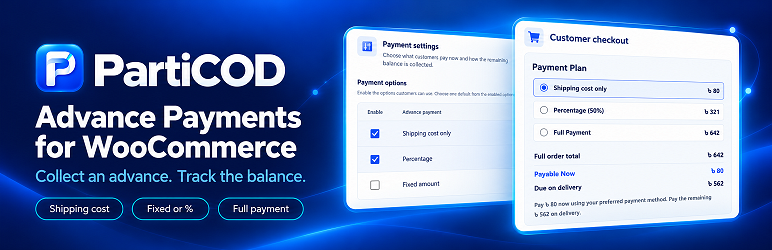
PartiCOD – Advance Payments for WooCommerce adds flexible payment plans to classic WooCommerce checkout for selected shipping methods.
💰 Flexible Delivery Charge Collection – Collect delivery charges as a fixed amount, percentage, or a combination of multiple sources.
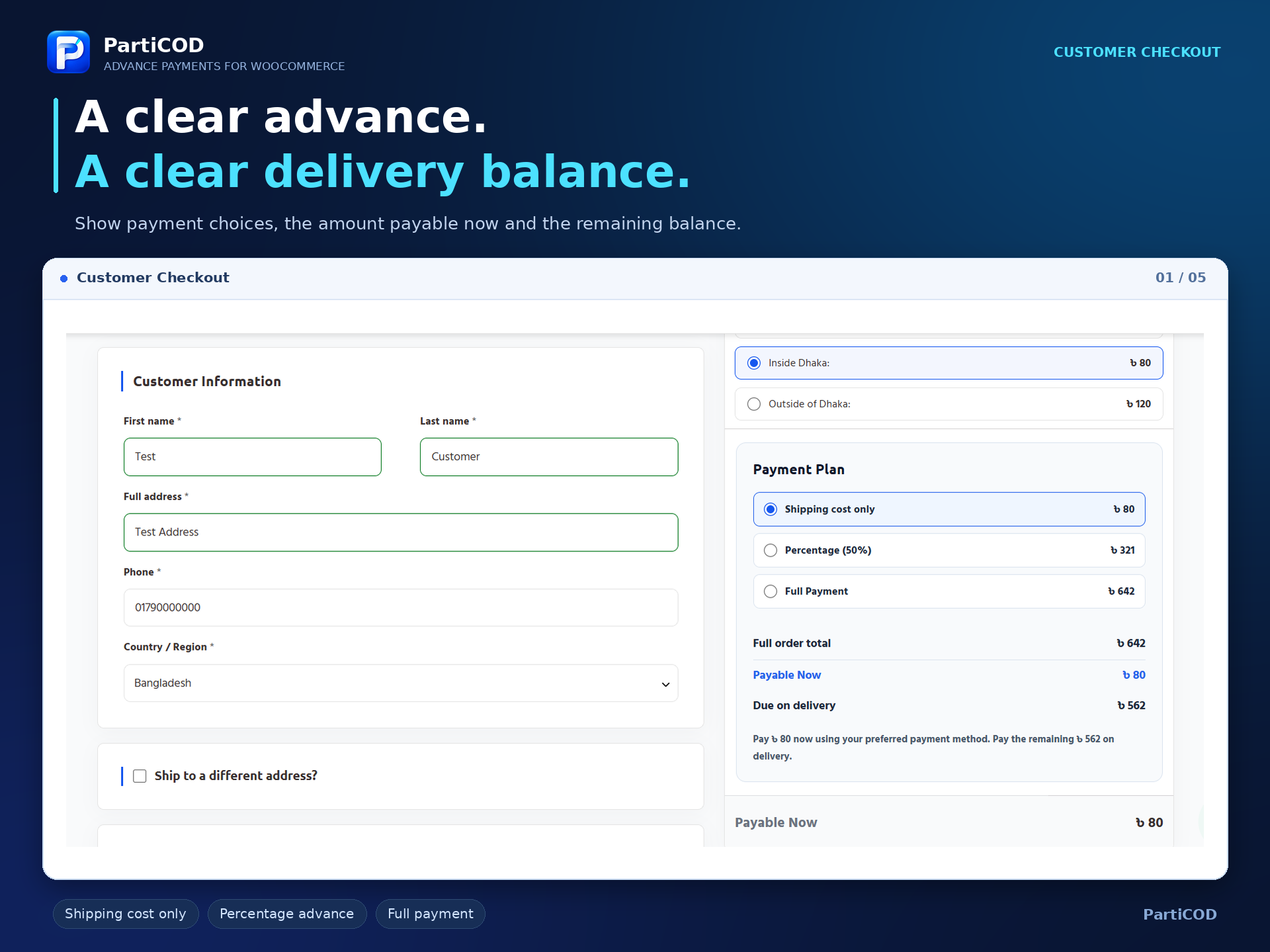
💳 Full Payment Option – Allow customers to pay the full order amount upfront with no remaining delivery balance.
⚙️ Multiple Payment Options – Enable multiple payment choices, set a default option, and customize checkout labels, including translated text.
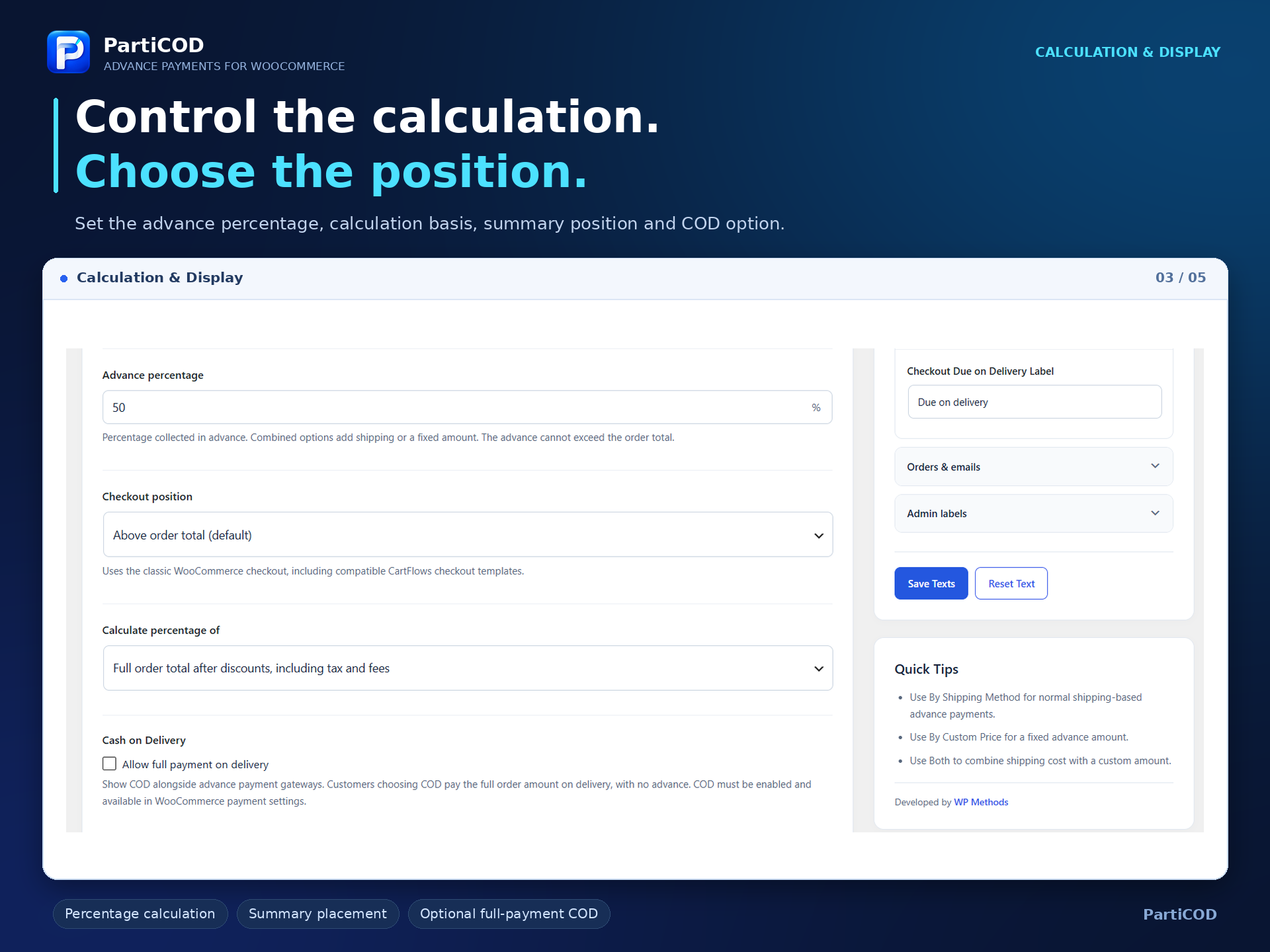
📊 Flexible Percentage Calculation – Calculate advance payment percentages from the discounted order total, with options to exclude shipping costs and shipping taxes.
🏦 Gateway-Based Advance Payments – Restrict advance payments to selected enabled gateways, including mobile banking and manual payment methods.
🚚 Advance Payment with COD – Optionally offer full-payment Cash on Delivery alongside advance payment options.
🧾 Checkout Payment Summary – Display order value, payable amount, and remaining delivery balance in a clear checkout summary.
📍 Flexible Summary Positioning – Place the payment summary above order total, below subtotal, above payment methods, below the payment title, or below payment methods.
🎨 Live Style Customization – Customize colors, borders, border radius, padding, and margins with a real-time admin preview.
✉️ Customizable Messages & Emails – Edit checkout, order, and email messages using dynamic amount placeholders.
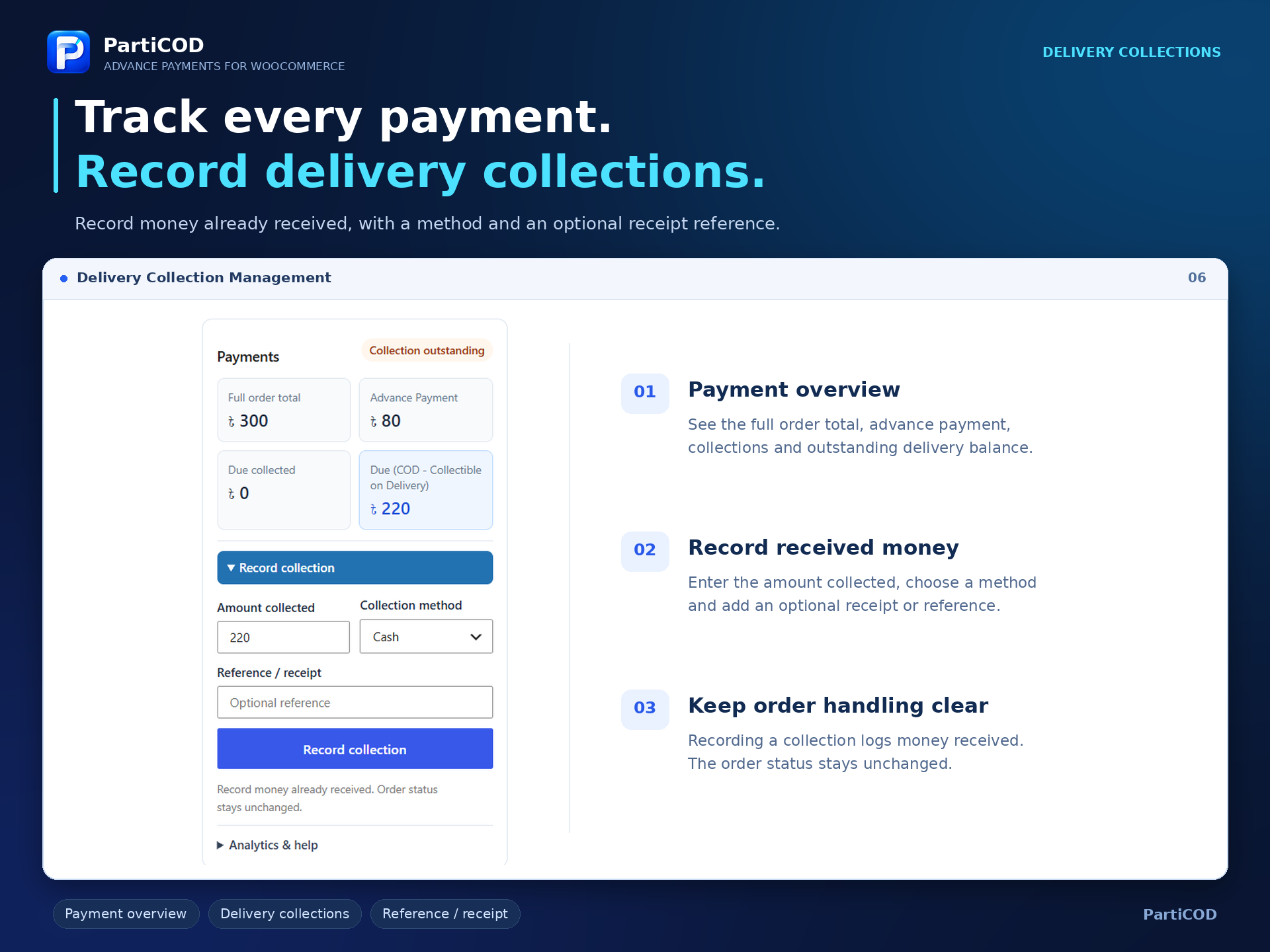
📦 Delivery Collection Management – Record full or installment delivery collections with payment method, reference, staff member, and timestamp.
🔄 Collection Reversal History – Correct collection records with a complete append-only reversal history for transparent tracking.
🏷️ Outstanding Balance Badges – Display outstanding delivery balances immediately after order status in both Classic and HPOS order lists.
📈 Native WooCommerce Analytics – Maintain accurate full order values in WooCommerce Analytics without counting delivery collections as additional sales.
The plugin does not process or verify mobile-money transactions itself. It uses your existing WooCommerce gateways. Manual payments remain awaiting verification while on hold. Verify the advance through the gateway or move the order to processing after checking the transfer.
Slike ekrana


Instalacija
- Install and activate WooCommerce.
- Upload the particod folder to wp-content/plugins, or upload its ZIP through Plugins > Add New.
- Activate PartiCOD – Advance Payments for WooCommerce.
- Configure shipping zones and payment gateways in WooCommerce.
- Open WooCommerce > PartiCOD > Payment Settings.
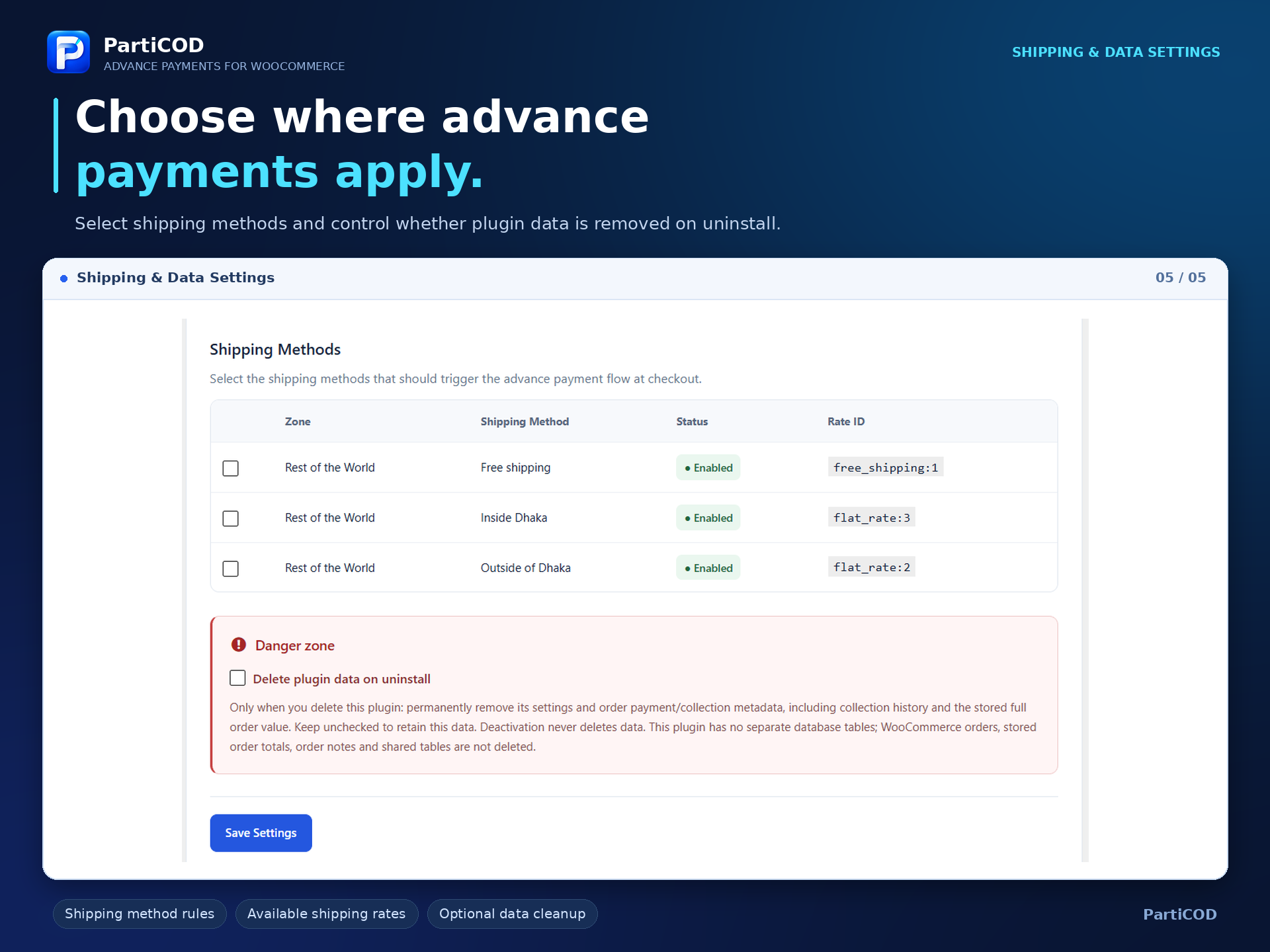
- Select shipping methods, enable payment choices, choose a default, and enter fixed or percentage values.
- Optionally rename choices using Checkout label. Leave blank for the original label; {percentage}% inserts the configured percentage.
- Select advance gateways, checkout position and the optional full-payment COD setting. Save Settings.
- Customize messages in the sidebar. Use {advance_amount}, {shipping_amount} and {due_amount} where indicated.
- Use Checkout Design for color pickers, border, radius and spacing. The plugin generates checkout styles from these validated settings.
ČPP
-
Does this plugin include bKash or Nagad gateways?
-
No. Install and configure a compatible WooCommerce gateway separately. Advance calculations can be used with enabled online or manual gateways; provider verification remains the gateway's responsibility.
-
Can customers choose Full Payment or COD?
-
Enable Full Payment in Payment options. Enable Allow full payment on delivery to offer COD alongside advance gateways. COD must also be enabled and available in WooCommerce.
-
Does an on-hold order mean its advance was received?
-
No. The advance remains awaiting confirmation. Verify the payment before marking the order processing or completed.
-
How do I record money received on delivery?
-
Open the order, expand Record collection under Payments, and enter the amount, method and optional receipt/reference. The history records the entry, and the due balance updates. Use Reverse entry for a correction.
The order-item summary shows the full Order Total, confirmed advance, delivery collections, total Paid and outstanding balance. Recording or reversing a collection updates these figures immediately. Gateway charges and refund limits continue to use the original advance; Paid shows receipts before refunds.
-
How do I repair historical Analytics totals?
-
Use Refresh order analytics in the order's Analytics & help section. For multiple historical orders, reimport affected orders through WooCommerce Analytics > Settings > Import historical data.
-
Does uninstall remove financial records?
-
Data is retained by default. Enable Database cleanup > Delete plugin data on uninstall and save settings to permanently remove plugin settings and payment/collection metadata when deleting the plugin. Deactivation never deletes data. There are no separate plugin tables to drop. This is destructive: collection history and the stored full order value are removed; WooCommerce orders, order notes and stored order totals remain unchanged.
Recenzije
Nema recenzija za ovaj dodatak.
Saradnici i programeri
“PartiCOD – Collect Advance Shipping Cost or Fixed, Percentage Payments” is open source software. The following people have contributed to this plugin.
Doprinositelji

Prevedi “PartiCOD – Collect Advance Shipping Cost or Fixed, Percentage Payments” na vaš jezik.
Zainteresirani za razvoj?
Pregledajte kôd, pogledajte SVN spremišteili se pretplatite na dnevnik razvoja od RSS.
Zapis promijena
1.0.0
- Initial PartiCOD release.