
Opis
Ultimate Store Kit – WooCommerce Store Builder and EDD Store Builder for Elementor
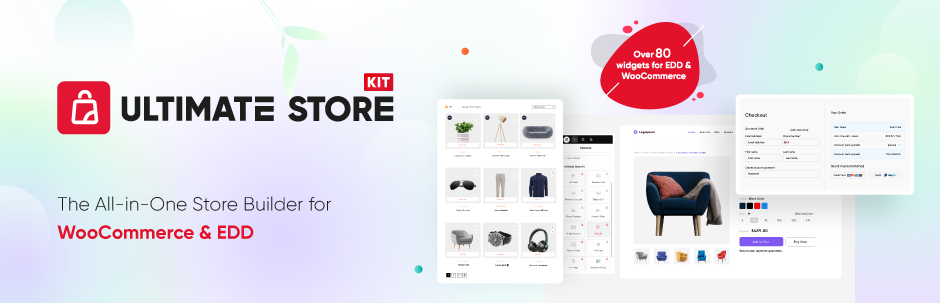
Ultimate Store Kit is a WooCommerce builder and EDD store builder for Elementor. It combines Elementor store addons for WooCommerce and Easy Digital Downloads (EDD), helping you design product displays and key store pages from the Elementor editor.
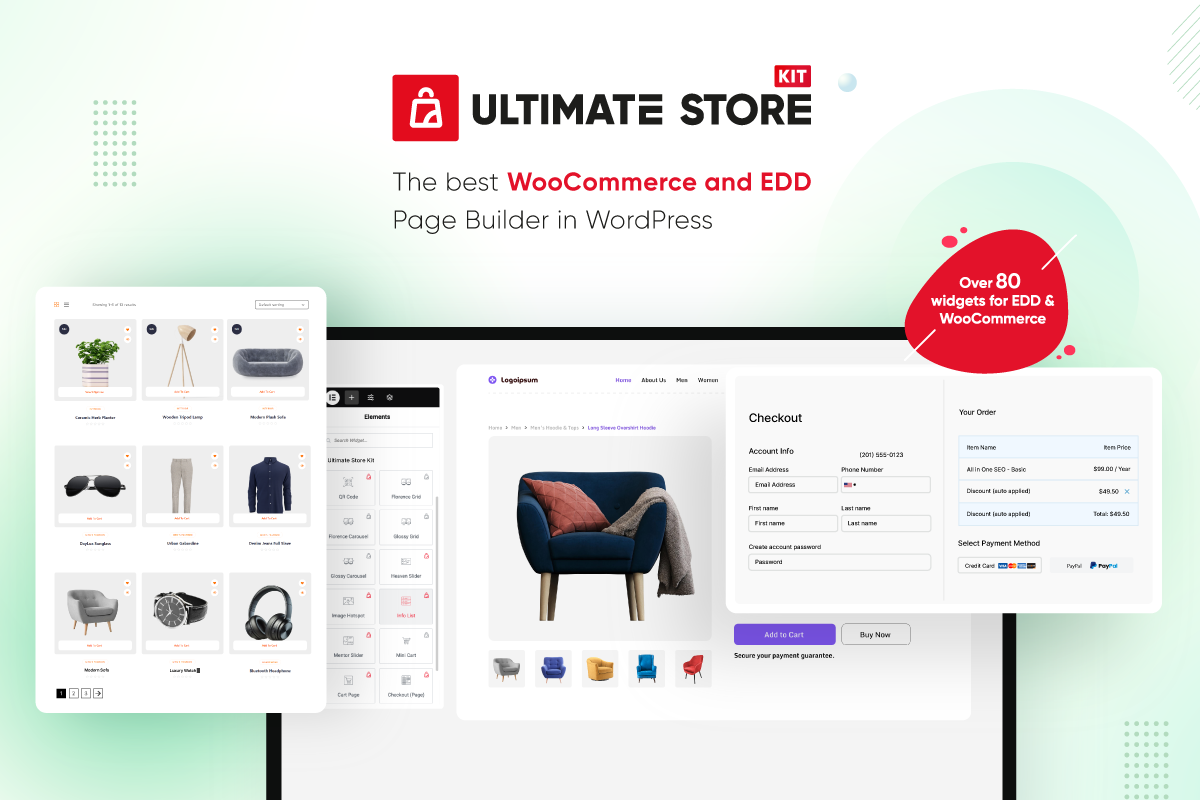
Use its 80+ Elementor eCommerce widgets and Template Builder to create product grids, carousels, sliders, category displays, review sections, cart pages, checkout pages, order pages and account pages. The free version includes WooCommerce widgets, EDD widgets and other design widgets. The Pro version adds more account, checkout, product, filtering, thank-you, wishlist and EDD review widgets, plus Pro WooCommerce template choices.
The plugin is designed for WordPress sites that already use WooCommerce or Easy Digital Downloads for product data and Elementor for page design. Ultimate Store Kit does not replace your existing eCommerce platform or move products into a separate system. It reads the store data already available in WordPress and gives you Elementor widgets for presenting that content.
Whether you need a single Elementor widget for one product section or a broader collection of WooCommerce addons and EDD addons for several store pages, Ultimate Store Kit helps you create store layouts without writing code.
Ultimate Store Kit at a Glance
- Build WooCommerce and Easy Digital Downloads layouts with Elementor.
- Choose from 80+ free and Pro Elementor widgets listed in this readme.
- Display products in grids, lists, tables, accordions, carousels and sliders.
- Present product categories and subcategories in grids or carousels.
- Design cart, checkout, order, single-product and account page layouts.
- Add product reviews, variation swatches, a mini cart, wishlist tools and comparison tools using the relevant widgets.
- Create supporting store content with brand, featured box, information list, QR code, marquee and breadcrumb widgets.
Key Features
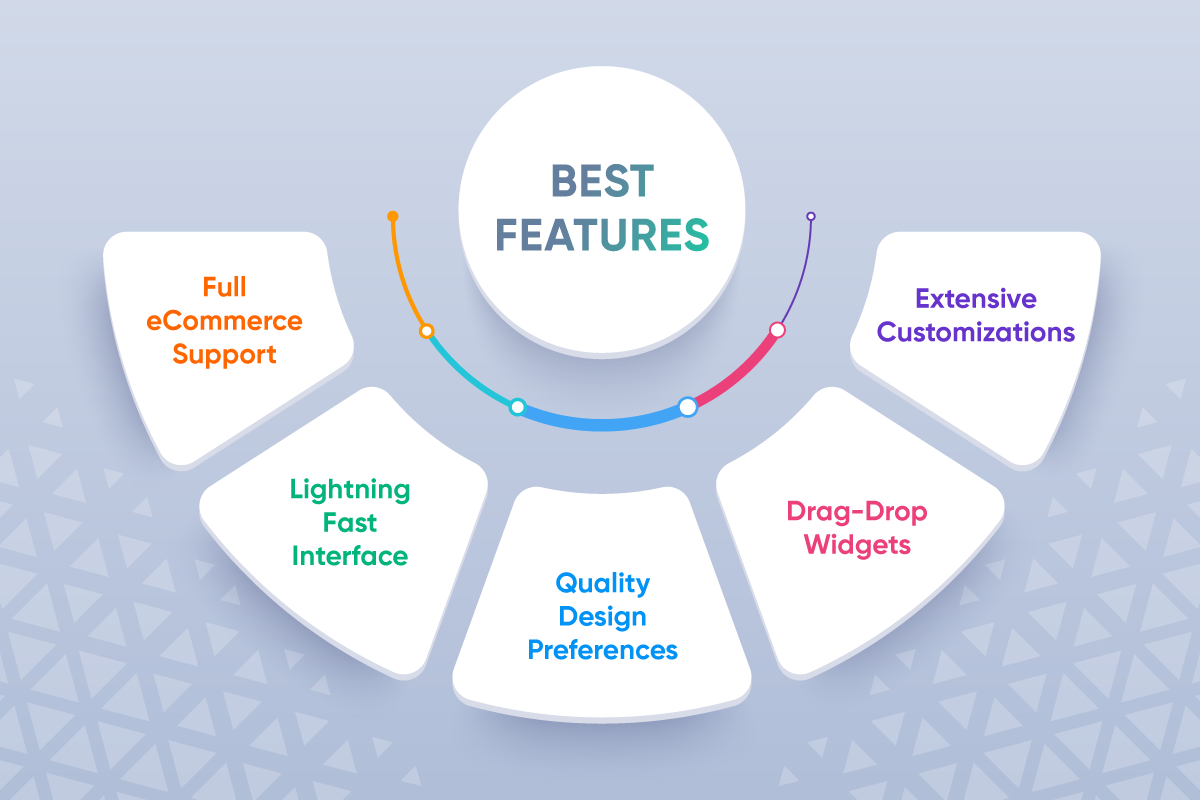
✅ WooCommerce Store Builder & EDD Store Builder – Design stores for physical and digital products with Elementor.
✅ 80+ Elementor Widgets – Use Elementor addons for product grids, carousels, sliders, accordions, review grids, product tables and more.
✅ WooCommerce Widgets & EDD Widgets – Display products, categories, reviews and store content using the widget collections listed below.
✅ Template Builder – Customize shop, product, cart, checkout, order and account page layouts inside WordPress.
✅ Account Page Design – Create custom account page layouts for your store.
✅ Checkout Customization – Design checkout layouts with the available page and checkout widgets.
✅ WooCommerce Store Design – Build product showcases and store page layouts with grids, carousels, sliders, tables, accordions and page widgets.
✅ Built for WordPress & Elementor – Work with WooCommerce and Easy Digital Downloads content from the Elementor editor.
WooCommerce Store Builder for Elementor
Ultimate Store Kit provides a collection of WooCommerce addons for displaying products and designing store pages in Elementor. Instead of relying on one layout, you can choose a WooCommerce widget that matches the type of content you want to show.
For product grids and carousels, the free widget collection includes Florence, Glossy and Shiny layouts. You can also present products with the Product List, Product Table, Product Accordion or Product Image Accordion. Heaven Slider, Mentor Slider and Showcase Slider provide slider-based options for featured products and other product selections.
Category-focused widgets include Product Category, Product Category Carousel, Sub Category and Sub Category Carousel. Product Reviews and Product Review Carousel provide separate layouts for customer review content. The collection also includes Mini Cart, Up Sells and Variation Swatches widgets, while Pro adds Image Hotspot and Product Filters.
The page widgets let you work on important areas of a WooCommerce store from Elementor. The free list includes Page Cart, Page Checkout, Page Order and Page Single. My Account Page is listed in the Pro collection. These widgets are documented individually in the feature lists below, with demo links for checking each layout.
WooCommerce Widgets for Product and Store Pages
If you are searching for a WooCommerce Store Widget, Ultimate Store Kit provides multiple options rather than a single general-purpose widget. You can select a dedicated widget for product presentation, shopping actions, checkout content, customer accounts or post-purchase information.
The Pro collection adds individual product widgets for Add To Cart, Additional Information, Call For Price, Product Description, Short Description, Product Image, Product Meta, Product Price, Product Rating, Product Related, Product Stock, Product Tabs and Product Title. Pro also includes Product Filters and Image Hotspot. These separate Elementor widget options let you assemble a product layout from the components listed in the plugin.
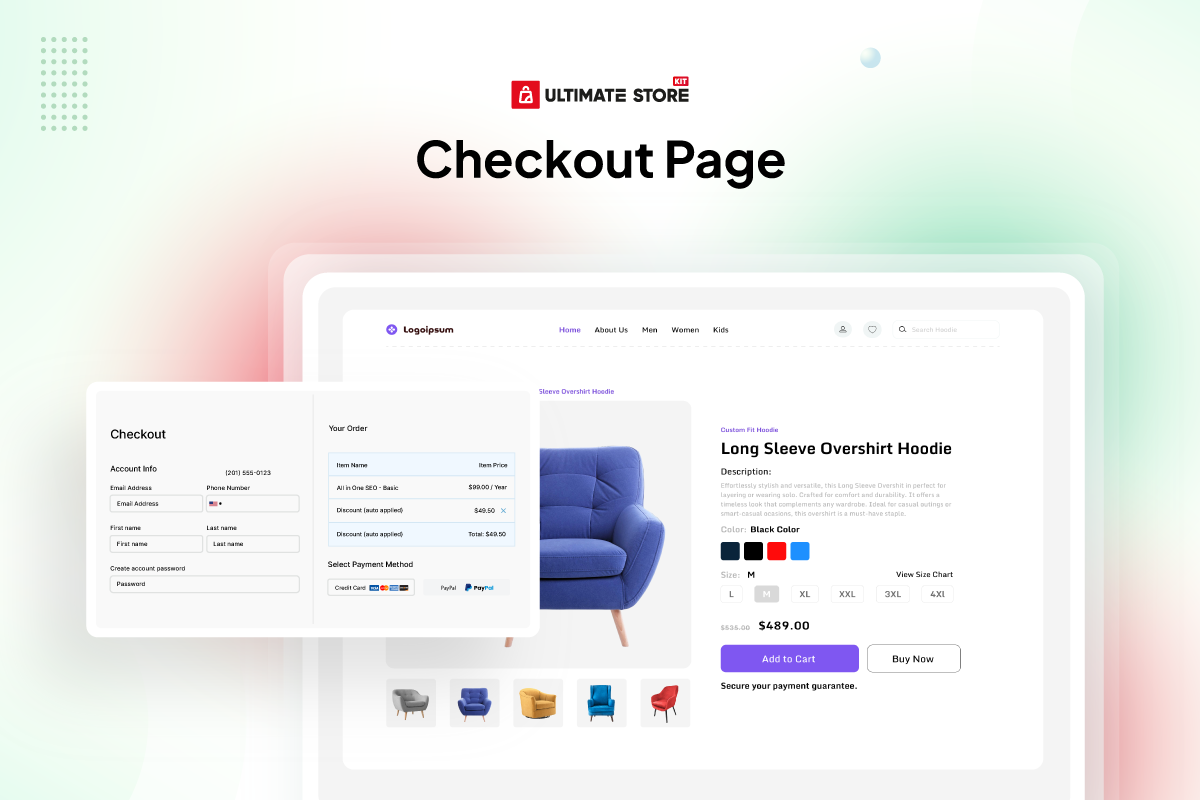
For checkout layouts, the Pro list includes Checkout Additional Info, Checkout Billing Address, Checkout Coupon Form, Checkout Login Form, Checkout Order Review, Checkout Payment, Checkout Shipping Form and Checkout Shipping Methods. Cart and checkout page widgets are also available in the free collection, so review the complete widget lists when deciding which version fits your planned layout.
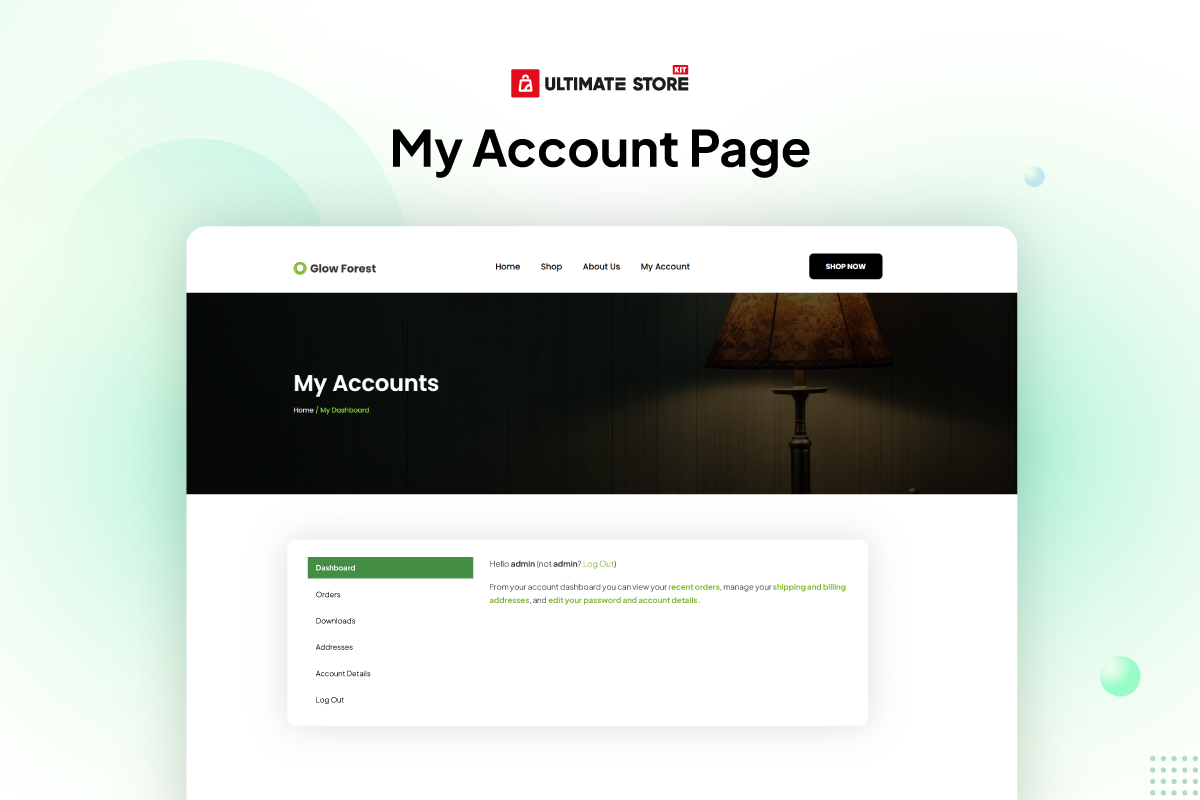
Account-focused Pro widgets include My Account Page, Account Address, Account Dashboard, Account Details, Account Downloads, Account Login-form, Account Logout, Account Navigation, Account Order-details, Account Orders and Account Registration-form. The Pro list also includes Thankyou Order, Thankyou Order Confirmation, Thankyou Order Customer Address and Thankyou Order Details for completed-order layouts.
Wishlist Button and Wishlist Products provide the listed wishlist tools, while Compare Button and Compare Products provide product-comparison layouts. Together, these WooCommerce widgets cover different stages of the store experience while keeping layout work inside Elementor.
WooCommerce Store Design Options
Use Ultimate Store Kit as a WooCommerce store builder to design product displays and store pages in Elementor. Its WooCommerce addons include product grids, carousels, sliders, categories, reviews, a mini cart, product tables, cart and checkout pages and other WooCommerce widget options listed below.
Choose a grid, list, table or accordion when you want products visible together on one section of a page. Choose a carousel or slider when you want a rotating product display. Category and subcategory widgets can provide another way to organize product browsing, while review widgets can display customer feedback.
For store actions and page layouts, use the relevant cart, checkout, order, account, product, comparison or wishlist widgets. The available styling and layout choices belong to each widget, so the demo and documentation links are the best place to inspect a specific tool before adding it to a page.
EDD Store Builder for Digital Products
Ultimate Store Kit also works as an EDD store builder for sites using Easy Digital Downloads. The EDD addons use the digital product and category data already stored in WordPress, so you do not need to import products into another store system before building the layouts.
The free EDD widget collection includes Beauty, Classic, Standard and Trendy product designs. Each design is available as a grid and a carousel, giving you a static multi-item layout or a rotating presentation. EDD Category Grid and EDD Category Carousel provide separate choices for displaying digital product categories.
The Pro collection adds EDD Product Reviews and EDD Product Review Carousel. Use the standard review layout when you want reviews presented together on the page, or use the carousel option when a rotating review presentation fits the design.
Each EDD widget is available for Elementor-based store design. Review the EDD widget list and linked demos below to compare the Beauty, Classic, Standard, Trendy, category and review layouts.
Elementor Store Addons Beyond Product Listings
Ultimate Store Kit includes general Elementor store addons alongside its WooCommerce and EDD widgets. Brand Grid and Brand Carousel provide two ways to display brand logos. Featured Box and Info List provide layouts for highlighted information, while Marquee can display scrolling announcements, promotions or other store content.
The QR Code widget generates and displays QR codes using the external service disclosed later in this readme. It can point to a product permalink and can include the product add-to-cart query string when the cart URL option is enabled. Because that widget uses an external image service, review the External services section for details about what is requested when the widget appears on a page.
Breadcrumbs is listed in the Pro collection for adding navigation paths. These supporting Elementor addons can be used alongside product, category, cart, checkout and account widgets when a store layout needs more than a product display.
Free and Pro Elementor Addon Coverage
The free collection includes WooCommerce product displays, page widgets, EDD grids and carousels and general design widgets. The Pro collection extends the plugin with individual account, checkout, product, thank-you, wishlist and comparison widgets, as well as EDD review widgets and Breadcrumbs.
The complete free and Pro inventories appear below. Check those lists before selecting a widget because similarly related store areas may have both a full-page widget and separate component widgets. For example, the free collection lists Page Checkout, while the Pro collection lists individual checkout components such as billing address, payment, order review and shipping methods.
Pro Product Filters, Store Widgets and Templates
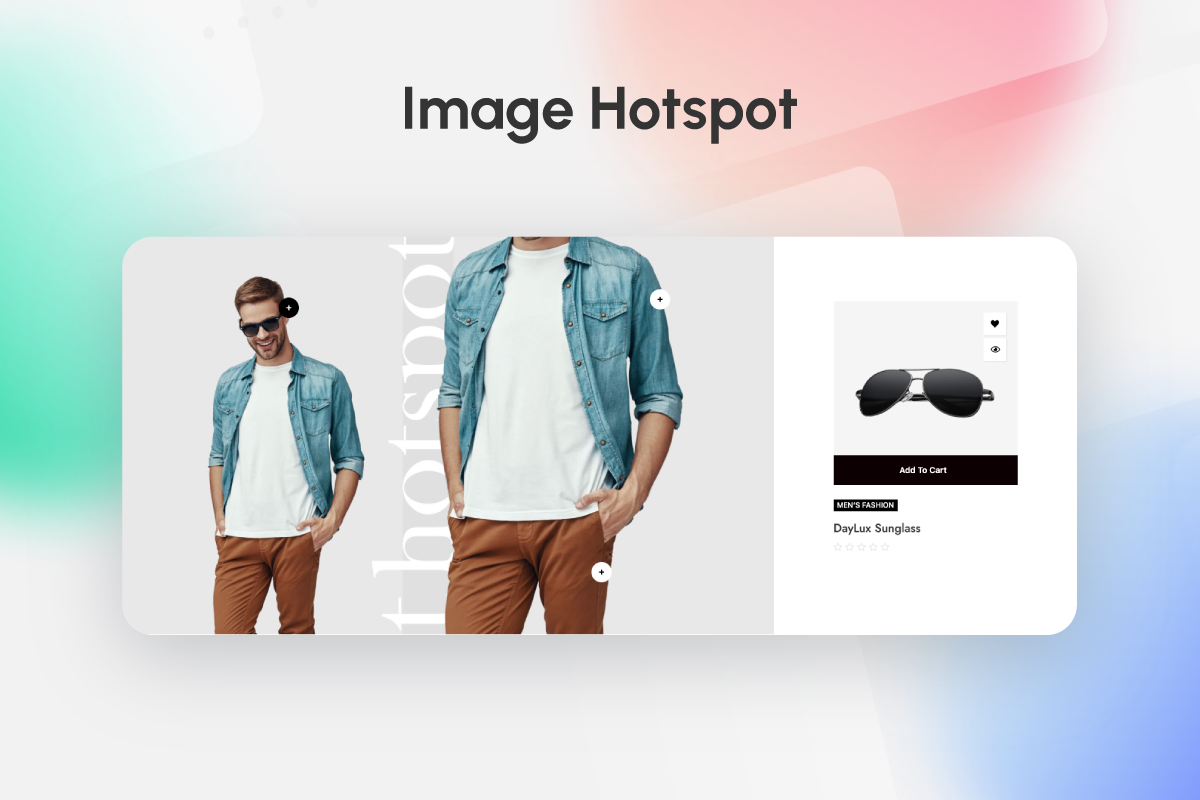
Ultimate Store Kit Pro expands the WooCommerce builder with Product Filters for product browsing, Image Hotspot for interactive product presentation, Call For Price for WooCommerce product layouts and Short Description for displaying the WooCommerce product short description. My Account Page is also part of the Pro widget collection.
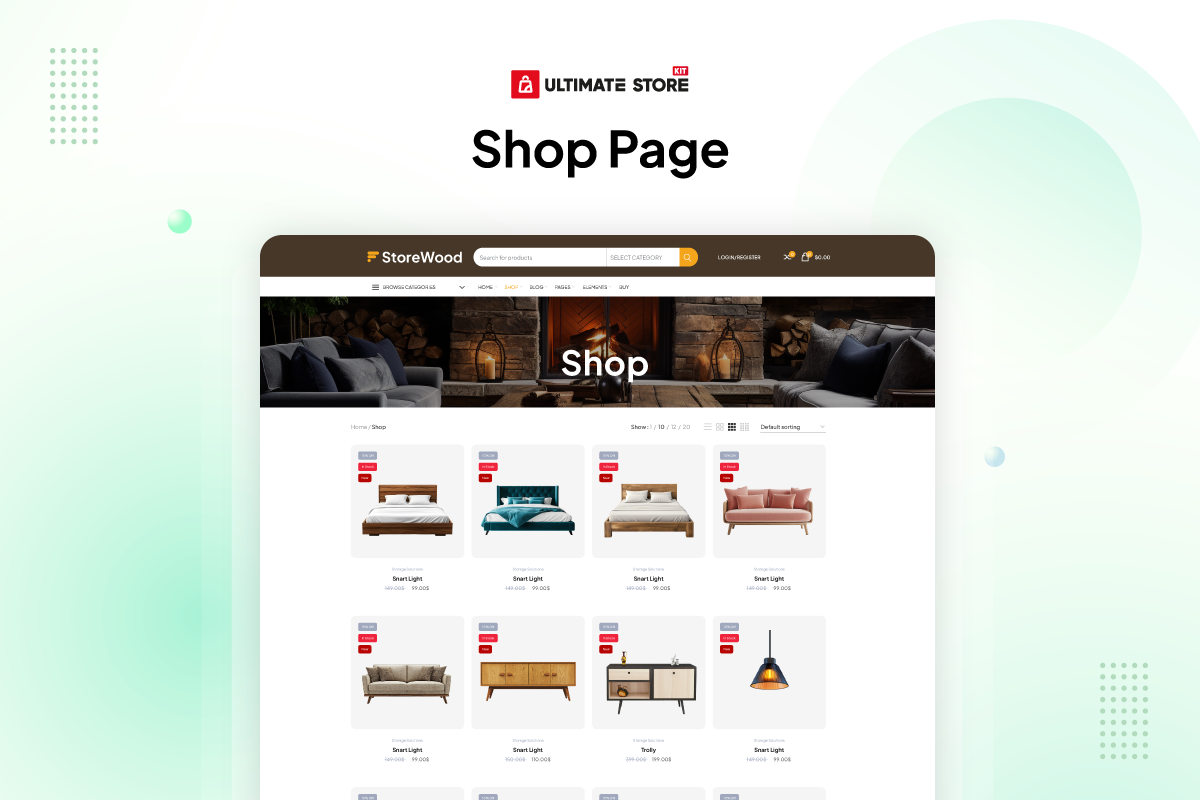
The StoreKit template menu lists Pro ready-made templates for Single Page, Cart, Checkout, Order Received and My Account. Its custom WooCommerce store template collection lists Pro templates for Single Page, Checkout, Order Received and My Account. The Shop Page template is shown separately without a Pro label.
Templates and widgets with similar names are separate items. For example, Page Cart and Page Checkout appear in the free widget catalog, while Cart and Checkout also appear as Pro ready-made template types. Review the live template and pricing pages for the latest plan availability before upgrading.
Pro Productivity Tools and Plan Coverage
The StoreKit Free-versus-Pro comparison lists Live Copy or Paste and Duplicator as the two additional Pro productivity tools. The same comparison lists responsive layouts, smooth transitions and automatic new-product badges for both Free and Pro, so those features are not presented here as Pro-only.
The pricing page states that paid plans include all free features, the complete 80+ widget collection, the Rooten Theme and continuous product updates. White Label Branding is shown for the Developer plan, while the Personal and Business plans are shown without white-label branding. Check the pricing page for the latest license and plan details.
How to Start Building Your Store Layout
- Install and activate Ultimate Store Kit from the Plugins area in WordPress.
- Open the page you want to design with the Elementor editor.
- Add the Ultimate Store Kit Elementor widget that matches the content you want to display.
- Use product, category, review, cart, checkout, order or account widgets according to the page you are building.
- Use the Template Builder when you want to create layouts for WooCommerce store pages.
You can view the demos to compare layouts before choosing a widget. The documentation and video tutorial provide more information about configuring the plugin and using its store-building tools.
Build your WooCommerce or EDD store design with Ultimate Store Kit, keep your existing store data and choose the Elementor store addons that fit each page.
Useful Links 👇
Live Demo | Documentation | Video Tutorial | Need Support?
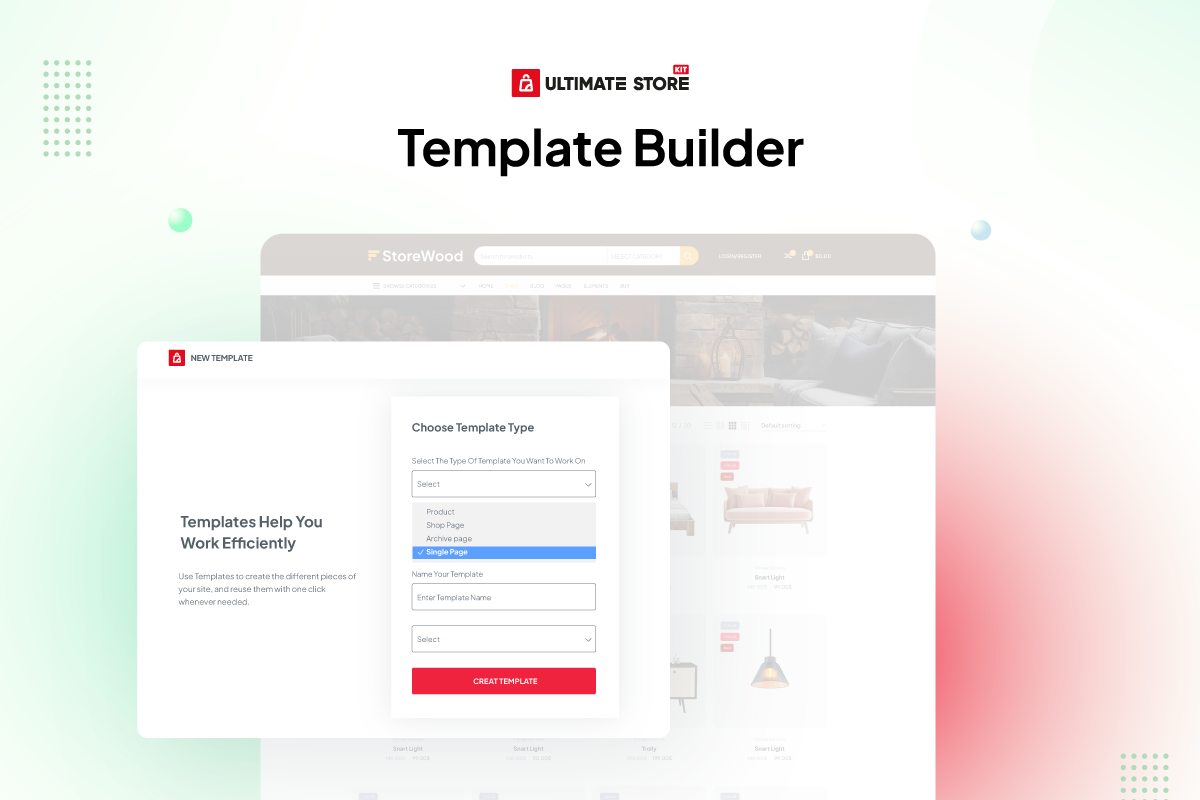
Template Builder 💎
Use the Template Builder to customize online store pages inside WordPress and apply different layouts to different store areas.
Build, customize and manage single-product, cart, checkout, order and account page layouts with Elementor.
The StoreKit template collection includes a Shop Page template and Pro template choices for Single Page, Cart, Checkout, Order Received and My Account. Pro custom template choices are listed for Single Page, Checkout, Order Received and My Account. View the template collection to compare the available designs.
Free Widgets for Lifetime: 🔥
WooCommerce 🚾
- Florence Carousel – Showcase WooCommerce products in an engaging carousel view.
- Florence Grid – Display products in a stylish grid layout for better visibility.
- Glossy Carousel – Elegant carousel for displaying featured products.
- Glossy Grid – Showcase products in a clean and modern grid design.
- Heaven Slider – Add a sleek slider to display product highlights.
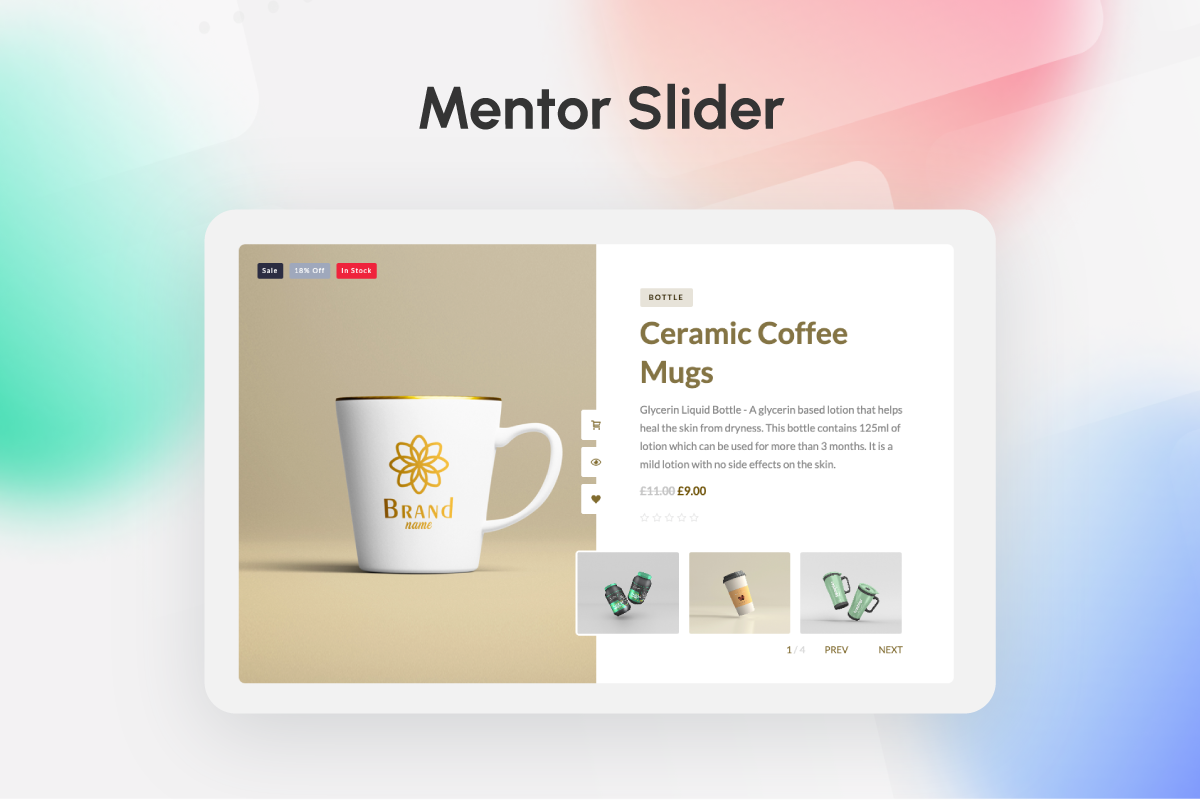
- Mentor Slider – Create advanced sliders for your WooCommerce products.
- Mini Cart – Enhance user experience with a stylish mini cart widget.
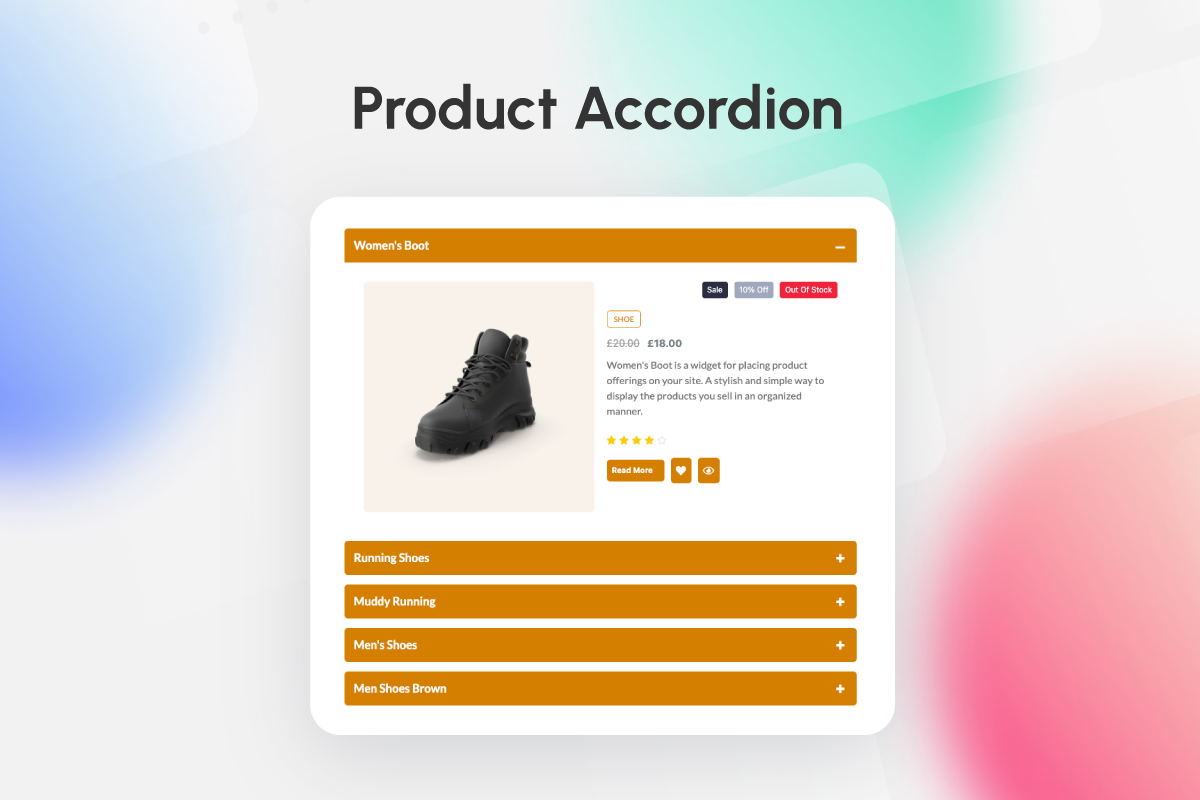
- Product Accordion – Display product details in an organized accordion style.
- Product Category – Showcase product categories with customizable layouts.
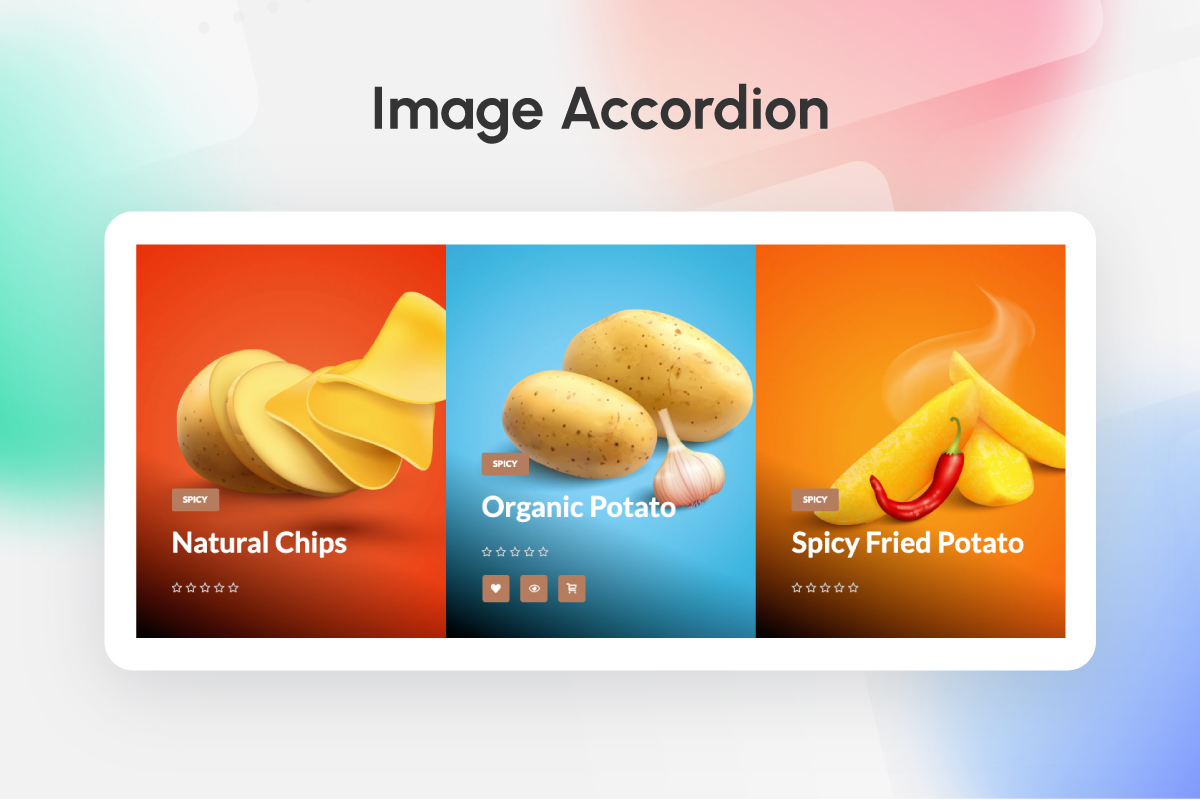
- Product Image Accordion – Add interactive accordion effects to product images.
- Product List – List WooCommerce products in an elegant and structured format.
- Product Reviews – Highlight customer reviews to build trust.
- Product Review Carousel – Display reviews in a dynamic carousel.
- Product Table – Organize and showcase products in a sortable table layout.
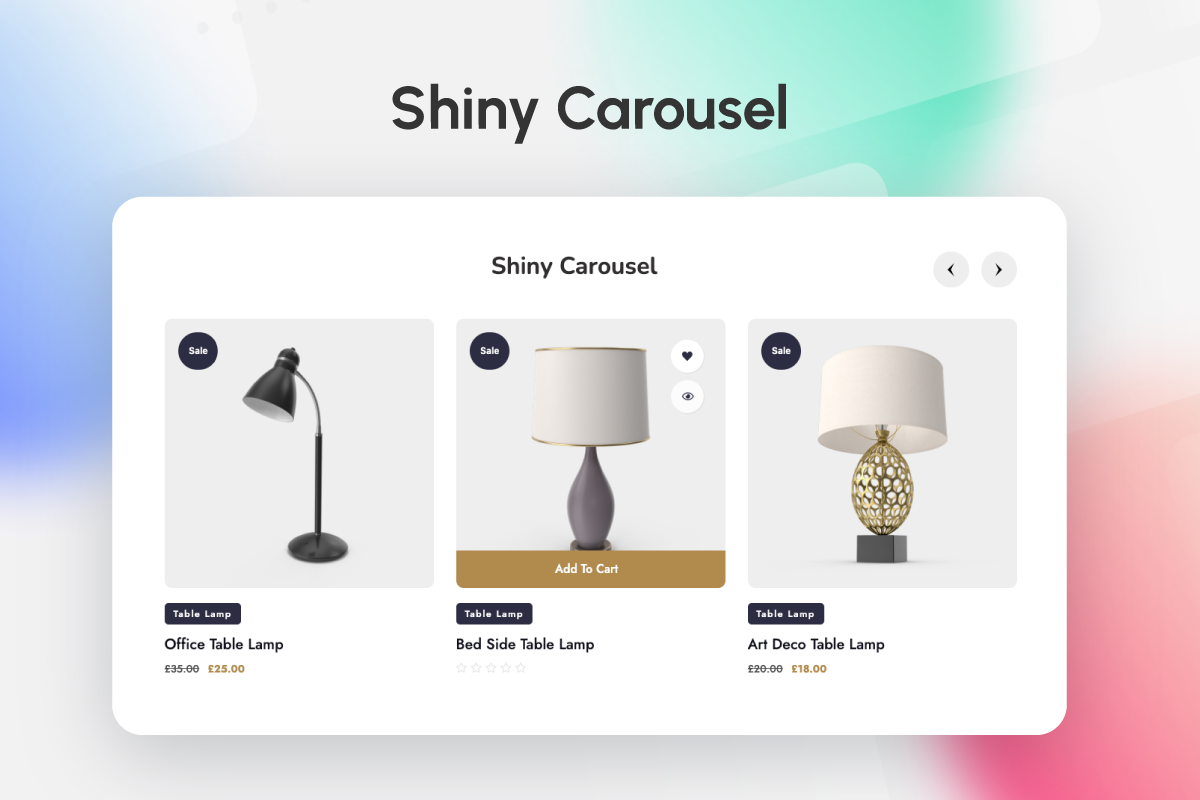
- Shiny Carousel – Add a sleek and shiny carousel to your WooCommerce store.
- Shiny Grid – Present products in an appealing grid format.
- Showcase Slider – Highlight featured products with a customizable slider.
- Sub Category – Display subcategories for better product navigation.
- Sub Category Carousel – Showcase subcategories in an interactive carousel.
- Product Category Carousel – Add a carousel for product categories to enhance browsing.
- Page Cart – Customize the WooCommerce cart page for better user experience.
- Page Checkout – Design an optimized and user-friendly checkout page.
- Page Order – Simplify and enhance the order tracking experience.
- Page Single – Customize single product pages to boost conversions.
- Up Sells – Promote related or complementary products to increase sales.
- Variation Swatches – Enhance WooCommerce product variations with customizable color, image and label swatches.
Easy Digital Downloads 💲
- EDD Beauty Carousel – Display digital products in a visually appealing carousel format.
- EDD Beauty Grid – Showcase digital products in a clean and modern grid layout.
- EDD Category Carousel – Highlight EDD product categories in an interactive carousel.
- EDD Category Grid – Organize and display categories in a stylish grid view.
- EDD Classic Carousel – Add a traditional carousel for EDD products with classic styling.
- EDD Classic Grid – Present digital products in a structured classic grid format.
- EDD Standard Carousel – Showcase EDD products in a simple yet elegant carousel design.
- EDD Standard Grid – Arrange digital products neatly in a standard grid view.
- EDD Trendy Carousel – Add a trendy carousel to make digital products stand out.
- EDD Trendy Grid – Showcase products with a fresh and trendy grid layout.
Others 🌅
- Brand Grid – Display brand logos in an organized and responsive grid layout.
- Brand Carousel – Showcase brand logos in an interactive and rotating carousel.
- Featured Box – Highlight key features or services with customizable featured boxes.
- Info List – Present information in a clean and well-structured list format.
- …
Slike ekrana
Instalacija
This section describes how to install and activate the plugin.
- Upload
ultimate-store-kit.phpto the/wp-content/plugins/directory - Activate the plugin through the ‘Plugins’ menu in WordPress
- Open the Elementor editor and add an Ultimate Store Kit widget.
ČPP
-
Is Ultimate Store Kit a WooCommerce store builder?
-
Yes. Ultimate Store Kit works as a WooCommerce store builder for Elementor. Use the Template Builder and WooCommerce widgets to design product displays and layouts for shop, product, cart, checkout, order and account pages.
-
Can I use Ultimate Store Kit as an EDD store builder?
-
Yes. The EDD store builder features work with Easy Digital Downloads product data. You can create EDD product and category grids or carousels using Beauty, Classic, Standard and Trendy layouts. EDD review widgets are listed in the Pro collection.
-
Is Ultimate Store Kit an Elementor addon or an Elementor widget plugin?
-
Ultimate Store Kit is an Elementor addon that contains a collection of store-focused Elementor widgets. Each Elementor widget handles a specific layout or store function, while the Template Builder combines those widgets into complete page layouts.
-
What is included in the Elementor store addons?
-
The Elementor store addons include WooCommerce addons, EDD addons and general design widgets. The available tools cover product grids, carousels, sliders, categories, reviews, tables, accordions, cart and checkout layouts, account areas, brand displays and other widgets listed in this readme.
-
Which WooCommerce widgets are included?
-
Instead of providing only one WooCommerce Store Widget, Ultimate Store Kit includes multiple WooCommerce widget options. These include product grids, product carousels, sliders, product categories, reviews, a mini cart, product tables, product lists, page layouts, variation swatches and other free and Pro widgets listed above.
-
Ultimate Store Kit Pro includes individual account, checkout, product, thank-you, wishlist, comparison and EDD review widgets. Verified Pro additions include Product Filters, Image Hotspot, Call For Price, Short Description and My Account Page. The complete Pro Elementor widget inventory is listed above.
-
Is Product Filters a Pro WooCommerce widget?
-
Yes. Product Filters is listed as a Pro WooCommerce widget on the StoreKit widget and pricing pages. It can be used as part of an Elementor-based WooCommerce store design to give shoppers product-filtering controls.
-
Are the Pro WooCommerce templates the same as the page widgets?
-
No. Templates and widgets are separate items even when their names are similar. For example, Page Cart and Page Checkout are listed in the free widget collection, while Cart and Checkout are also listed as Pro ready-made template types. StoreKit also lists Pro template choices for Single Page, Order Received and My Account.
-
Which productivity tools are listed for Ultimate Store Kit Pro?
-
The StoreKit comparison lists Live Copy or Paste and Duplicator as the additional Pro productivity tools. White Label Branding is plan-specific: the pricing page shows it for the Developer plan, not the Personal or Business plans.
-
Which EDD widgets and EDD addons are included?
-
The EDD addons include Beauty, Classic, Standard and Trendy product grids and carousels, plus EDD category grid and carousel widgets. The Pro version also lists EDD Product Reviews and EDD Product Review Carousel. Each EDD widget is designed for use with Elementor.
-
Can the WooCommerce addons help with WooCommerce store design?
-
Yes. You can use the WooCommerce addons for WooCommerce store design in Elementor, including product showcases and layouts for cart, checkout, order, single-product and account pages. The exact available widgets depend on whether you use the free or Pro version.
-
Which WordPress and Elementor versions are listed as compatible?
-
This release requires WordPress 6.8 or later and PHP 7.0 or later. The readme lists compatibility tested through WordPress 7.0. Ultimate Store Kit requires Elementor 4.0.0 or later and lists testing through Elementor 4.2.2.
-
Do you provide documentation?
-
Yes. The documentation covers Ultimate Store Kit features and widgets. Use the documentation link near the beginning of this readme to learn how to configure the available tools.
-
What are the benefits of your plugin?
-
Ultimate Store Kit combines WooCommerce and EDD store design tools in one Elementor addon. You can build product displays and customize key store page layouts without moving product data to a separate eCommerce platform.
-
Does your plugin work with my theme?
-
Ultimate Store Kit is designed for use with WordPress themes that support Elementor. If you encounter a theme-specific conflict, use the support link near the beginning of this readme.
-
How can I import my products from the existing EDD/WooCommerce/Digital Downloads store?
-
You do not have to import products into Ultimate Store Kit. The plugin does not use a separate platform to store your shop data; it reads product data from your existing WooCommerce or Easy Digital Downloads store in WordPress.
-
Is Ultimate Store Kit an eCommerce platform?
-
No. Ultimate Store Kit is not a separate eCommerce platform. It is an Elementor store addon for designing content and page layouts that use data from WooCommerce or Easy Digital Downloads.
-
Where can I request new features?
-
Use the support link near the beginning of this readme to contact the team and request a feature.
-
Do I need Elementor Pro to use Ultimate Store Kit?
-
No. Ultimate Store Kit works with both the free and Pro versions of the Elementor page builder.
-
The Wishlist Button and Wishlist Products widgets are listed as Pro widgets. After adding a product to the wishlist, log in to the store and open the My Account area to view the wishlist.
-
How can I upgrade to the Pro plugin?
-
Visit BdThemes.com or use the licensing option on the plugin page to purchase an Ultimate Store Kit Pro license.
-
How can I report security bugs?
-
You can report security bugs through the Patchstack Vulnerability Disclosure Program. The Patchstack team helps validate, triage and handle any security vulnerabilities. Report a security vulnerability.
Recenzije


Saradnici i programeri
“Ultimate Store Kit – Store Builder Addons for Elementor, WooCommerce Store Builder, EDD Store Builder” is open source software. The following people have contributed to this plugin.
Doprinositelji


“Ultimate Store Kit – Store Builder Addons for Elementor, WooCommerce Store Builder, EDD Store Builder” je prijeveden na 1 dijalekt. Zahvala prevodiocima za njihov doprinos.
Zainteresirani za razvoj?
Pregledajte kôd, pogledajte SVN spremišteili se pretplatite na dnevnik razvoja od RSS.
Zapis promijena
3.1.4 [17th September 2026]
- Fixed: String translation issue fixed
3.1.3 [14th September 2026]
- Fixed: The Type and Status column headings and the Active and Inactive status labels in the Template Builder list were hard-coded, so they could not be translated
3.1.2 [7th September 2026]
- Fixed: Template Builder could not create a template. Saving failed because the template type value was having its separator stripped, so no type was ever recognised as valid
-
Fixed: Filtering the Template Items list by template type returned no results, and the selected type was not kept in the filter dropdown
-
Security: Removed a template-preview bypass that accepted a fixed token in place of a nonce on hosts whose name matched a demo list, which could let a visitor render the Elementor content of an unpublished post. Preview now requires a valid nonce and edit permission for that template
- Security: Removed an unused public AJAX endpoint for variation images that was reachable without authentication
- Changed: Prefixed plugin functions, options, transients, quick-view Kit settings and script/style handles for WordPress.org naming compliance. Saved settings are migrated automatically on update
- Fixed: Quick-view modal styling, assigned builder templates and the compare page setting are carried over to the new setting names, so existing configurations are preserved
- Fixed: Quantity buttons no longer remove WooCommerce's own hooks on the single product page, which could suppress store notices
- Fixed: The Product Table stylesheet is now registered by this plugin instead of relying on another plugin providing it
- Fixed: Builder preview data is no longer stored permanently in the options table
- Updated: DataTables to 3.0.3 and Tippy.js to 6.3.7, and rebuilt the bundled assets
- Removed: Unused helper functions and a stale third-party credit link
3.1.1 [18th August 2026]
- Removed: Deprecated BdThemes product-feed remote endpoint (returned an empty response) and its unused fetch code
3.1.0 [17th August 2026]
- Fixed: Admin dashboard could hang and return a gateway timeout when the remote news feed server was slow or unreachable
3.0.10 [12th August 2026]
- Updated: System improved
3.0.9 [10th August 2026]
- Updated: Admin API Biggopti removed
3.0.8 [8th August 2026]
- Added: Tooltip text color and background styling controls added in the action button style section for product grid and carousel widgets
- Fixed: Security issue where data returned by the promotions API could be injected as script into the WordPress admin area
- Fixed: Promotion links and images are now restricted to http(s) and mailto addresses
- Updated: Security improved
3.0.7 [21st July 2026]
- Fixed: Product text now falls back to the full description when the short description is empty
- Fixed: Text Style visibility now correctly follows the text toggle in the mentor slider widget
- Fixed: Pause on hover now appears only when autoplay is enabled
- Fixed: Improved output escaping and attribute sanitization in the shiny grid widget
- Fixed: Broken hover action button layout in the EDD beauty grid widget
- Fixed: Improved alt attribute escaping in the EDD beauty grid widget
- Fixed: Security vulnerability patched ( Thanks to Bao – BlueRock )
3.0.6 [12th July 2026]
- Updated: Made compatible with WordPress version 7.0.1
3.0.5 [21st May 2026]
- Updated: Made compatible with WordPress version 7.0
3.0.4 [20th May 2026]
- Improved: Made compatible with Ultimate Store Kit Pro plugin
- Fixed: Admin dashboard layout and responsive grid display when running free and Pro plugins together
3.0.3 [18th May 2026]
- Added: Login page template added to the template builder for WooCommerce
- Improved: Biggopti dashboard UI and CSS refined for a cleaner experience
- Fixed: Template builder widgets not showing in the Elementor editor panel (page cart, page checkout, page order, page single)
- Fixed: Activate and deactivate button issue resolved in the widgets page
- Fixed: Heaven slider, image hotspot, mentor slider and showcase slider widget feedback issues
- Fixed: Florence grid, glossy grid and shiny grid template feedback issues
3.0.2 [6th May 2026]
Fixed: Added translation support for hard-coded admin js labels using wp-i18n and wp_set_script_translations()
Fixed: Prevented template builder status switcher conflicts with Element Pack Pro by properly scoping modal switcher IDs and handlers
3.0.1 [28th April 2026]
- Fixed: Template builder modal strings are now properly translatable
- Fixed: Admin dashboard script translations now load correctly for the ultimate-store-kit-admin script
3.0.0 [12th April 2026]
- Improved: Refactored core system architecture for enhanced performance and maintainability
- Improved: Redesigned admin dashboard with modernized UI components and streamlined user experience
- Fixed: Template builder modal strings are now properly translatable
- Fixed: Admin dashboard script translations now load correctly for the ultimate-store-kit-admin script
2.9.15 [31st March 2026]
- Updated: System improved
2.9.14 [31st March 2026]
- Added: Pagination support with style controls for the product reviews widget
- Added: New control to show or hide the shipping form and made widget texts dynamic in the page checkout widget
- Fixed: Query controls Include/Exclude By Terms dropdown now hides taxonomy terms with no posts (only terms that have at least one post are shown)
- Updated: Made compatible with Elementor version 4.0.0
2.9.13 [10th March 2026]
- Updated: System improved
2.9.12 [2nd March 2026]
- Added: Dashboard feed added
2.9.11 [26th February 2026]
- Updated: System improved
2.9.10 [24th February 2026]
- Fixed: Title hover issue in the grid & carousel widgets
2.9.9 [9th February 2026]
- Updated: System improved
2.9.8 [5th February 2026]
- Fixed: Action Button style section visibility fixed in mentor slider, product accordion & showcase slider
- Fixed: Removed hard-coded (prev & next) text from mentor slider widget
2.9.7 [21st January 2026]
- Added: Empty product message & offcanvas border radius controls added in the mini cart widget
2.9.6 [12th January 2026]
- Fixed: Typography issue fixed in the page cart widget
- Fixed: Border width and border radius issue fixed in the mini cart widget
2.9.5 [1st January 2026]
- Fixed: Template builder security vulnerability patched – Added capability check and nonce verification to prevent unauthorized access to template data (CVSS 4.3)
2.9.4 [1st January 2026]
- Updated: Modified the hover effect in the shiny grid widget
2.9.3 [24th December 2025]
- Added: New control added to the add to cart button section in the showcase slider widget
2.9.2 [17th December 2025]
- Fixed: Applied correct condition for changing the title tag in the showcase slider widget
- Fixed: Image width issue fixed in showcase slider widget
2.9.1 [10th December 2025]
- Added: Add to cart margin added in shiny grid widget
2.9.0 [2nd December 2025]
- Added: Added current query in all woocommerce widget
- Added: Added aria-label attribute to links for better accessibility
- Fixed: Removed hard-coded title tag from shiny grid widget
- Updated: Made compatible with WordPress version 6.9
2.8.15 [26th November 2025]
- Fixed: Proper condition applied for title and image controls in the product list widget
2.8.14 [20th November 2025]
- Fixed: Notice duplicate issue fixed
2.8.13 [19th November 2025]
- Updated: System Improved
2.8.12 [18th November 2025]
- Fixed: Category spacing issues fixed in the heaven slider and product image accordion widgets
2.8.11 [13th November 2025]
- Updated: Notice design improved
2.8.10 [12th November 2025]
- Fixed: API Banner duplicate issue fixed
2.8.9 [10th November 2025]
- Updated: System Improved
2.8.8 [4th November 2025]
- Fixed: Action button design issue fixed in edd classic carousel widget
- Fixed: Corrected wrong control name and border type condition logic issue fixed
2.8.7 [16th October 2025]
- Fixed: HTML tag validation issue fixed
- Fixed: Security issue fixed
- Added: Added dynamic tag support for category markup
2.8.6 [14th October 2025]
- Improved: Web accessibility enhanced for pagination Previous/Next links ( Thanks to Oktawia )
- Fixed: Pagination Previous/Next links appearance issue fixed for grid-type widgets
2.8.5 [5th October 2025]
- Fixed: PHP deprecation warning for implicitly nullable parameter in optional() function
2.8.4 [28th September 2025]
- Fixed: Swiper carousel widgets item gap ( 0 Value ) not working issue fixed
- Fixed: Action button normal color, hover color, normal background and hover background controls issues fixed in the mentor slider widget
2.8.4 [21st September 2025]
- Fixed: Element caching compatibility fixed
2.8.2 [9th September 2025]
- Fixed: License related duplicate notice showing issue fixed
2.8.1 [8th September 2025]
- Fixed: Template Builder access issue fixed
- Fixed: DCI Notice removed for security reason
2.8.0 [28th August 2025]
- Added: Admin Store API Notice added
- Added: Dynamic Content support for several controls
- Added: Border color controls added for EDD grid and EDD carousel widget
- Added: Image alt text added for EDD Category grid and carousel widget
- Fixed: Deprication error fixed
- Fixed: Resolved regular notice display problem for white-label users
- Fixed: Add to Cart button show/hide issue fixed in Shiny grid and Shiny carousel widgets
- Fixed: Conditional logic applied to the Product Category widget to show or hide images
- Fixed: Alignment issue fixed in EDD trendy carousel widget
2.7.2 [21st August 2025]
- Updated: Thumbs controls updated in mentor slider widget
2.7.1 [21st July 2025]
- Fixed: Alignment issue fixed in EDD Trendy Carousel Widget
- Fixed: Action button typography fixed in EDD Widgets
- Fixed: Alignment fixed in EDD Widgets
2.7.0 [2nd July 2025]
- Added: Mobile Menu Widget Added
- Added: Typography control added under Tabs Content section in the Single Product Page widget
- Added: Order Again Button's style control added inside the Order details section in the Order Page widget
- Fixed: Fatal error “Call to a member function get_id() on null” fixed in Builder Integration
- Fixed: Fatal error “Call to undefined method get_settings_for_display()” fixed in Mini Cart Module
- Fixed: Added proper null checking for product retrieval in template preview functionality
- Fixed: Preserved show/hide functionality in mini cart widget while fixing AJAX fragment updates
2.6.3 [25th June 2025]
- Fixed: CartPage button text alignment issue fixed in CartPage Widget
- Fixed: List style type issue fixed in Checkout Page widget
2.6.2 [18th June 2025]
- Added: Price regular color added in single page widget
- Fixed: JS error fixed in Dashboard Settings
- Fixed: Page cart widget quantity plus minus design issue fixed
- Fixed: WooCommerce quantity plus/minus button issue fixed
2.6.1 [18th May 2025]
- Fixed: Quick view issue fixed
- Fixed: Mentor slider issue fixed
2.6.0 [15th May 2025]
- Added: Column options and image size settings have been added for the Shiny Grid, Florence Grid, and Glossy Grid List layout.
- Updated: The overall design for the Shiny Grid, Florence Grid, and Glossy Grid has been further improved.
- Updated: Improved styling and settings controls for Checkout (Page) widget.
- Updated: Showcase Slider design has been improved.
- Fixed: WPML integration with Elementor editor for Theme Builder
- Fixed: Resolved jQuery Migrate warning ( Thanks to BackuPs )
- Fixed: DCI Notice transition issue fixed
- Fixed: Text domain translate issue fixed
- Updated: Security issue improved
2.5.0 [28th April 2025]
- Added: Made Compatible with WordPress Version 6.8
- Added: Product widgets badge display type option added
- Added: Image position and text limit option added in product accordion widget
- Added: Text Alignment option added in image hotspot widget
- Added: Button offset added in featured box widget
- Fixed: Offcanvas shows on page loading issue fixed in Mini Cart widget
- Fixed: Security issue fixed
- Updated: Only one plugin DCI notice will show at a time
- Fixed: Product price color, view cart & checkout button background issue fixed in mini cart widget
- Added: Mentor Slider video tutorial added
- Updated: Query updated
2.4.1 [15th April 2025]
- Added: Image Resolution option added in image hotspot widget
- Added: Tabs active line color added in product single page widget
- Fixed: Thumbs background issue fixed in heaven slider widget
- Fixed: Top spacing issue fixed in product description widget
- Fixed: Security issue fixed ( Thanks to domiee13 )
- Added: Image Hotspot video tutorial added
2.4.0 [25th March 2025]
- Added: My Account Page widget added (Pro)
- Added: Item background style added in florence grid widget
- Fixed: Validate: null checking for post
- Fixed: Dashboard other widgets all active issue fixed
- Fixed: List layout single column issue fixed in florence grid
- Fixed: Input field issue fixed in page checkout & page order widget
- Fixed: Wishlist widgets not working issue fixed
- Fixed: Variation swatches issue fixed
- Fixed: Warning error for result count issue fixed
- Fixed: Page checkout & page cart controls fixed
- Fixed: Color issue fixed in mini cart widget
- Fixed: Remove button color issue fixed in mini cart widget
- Updated: System improved
Details changelog here